Logitech Arx Control is a companion application for Logitech Gaming Software or GHUB which has an old-fashioned user interface and terrible information hierarchy. Even though this application has a great potential to be used by Logitech users because there are a lot of users can do in this application for example change device settings and watch device statistics, the latest update of Logitech Arx Control is in March 2016.
Solution
Logitech Arx Control is a companion application for Logitech Gaming Software or GHUB which has an old-fashioned user interface and terrible information hierarchy. Even though this application has a great potential to be used by Logitech users because there are a lot of users can do in this application for example change device settings and watch device statistics, the latest update of Logitech Arx Control is in March 2016.
Duration
3 Weeks
Project Type
Design Explore
Role
UX Research – UI Designer
Timeline
Google Play Review
I pick some reviews on Google Play in range 1 - 3 star to know deeply about what user's pain.
Analizing
Based on the Google Play reviews, I summarize it to pain points and create room for improvements.
Redesign
Here I make the design based on room for improvements point that I made in previous phase of design thinking.
A/B Testing
Last phase, I test my design using A/B testing method to 7 - 8 people.
Research
User Needs
As a UX designer, I shouldn’t make a design by personal assumptions, that way I find the suitable method to dig deeper into what the user genuinely needs to solve the problem. So I decided to watch some reviews on Google Play Store to find out what pain users feel when using Logitech Arx Control, and what they want about it.
Google Play Store Reviews
From other methods for digging information about user needs, I choose the simplified diary study instead of using the daily experiences, I took their review based on their own experience. This way, I still can get what users need from reviews.
Pain Points
After looking at a bunch of reviews about Logitech Arx Control, I conclude some points that reflect their pain when using Logitech Arx Control.
Incomplete feature
Technical label writing
Boring visual
Overwhelmed element size
Design
Side to Side Comparison
As a UX designer, I shouldn’t make a design by personal assumptions, that way I find the suitable method to dig deeper into what the user genuinely needs to solve the problem. So I decided to watch some reviews on Google Play Store to find out what pain users feel when using Logitech Arx Control, and what they want about it.
Before
After
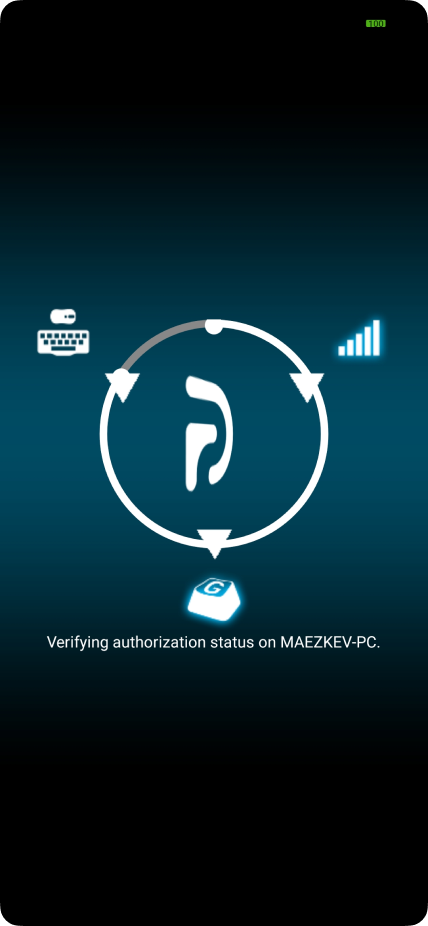
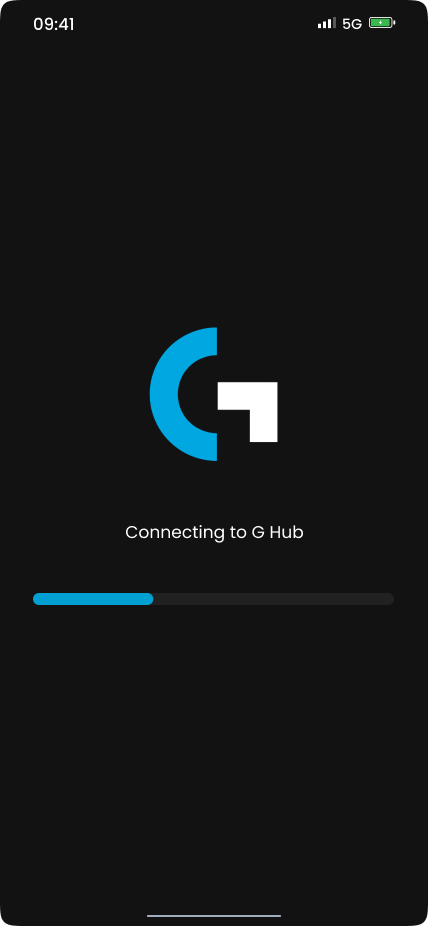
Connect
Show connection progress at first launch
Improvements:
Change process visual to be clearer and progressive
Show status on every ongoing process
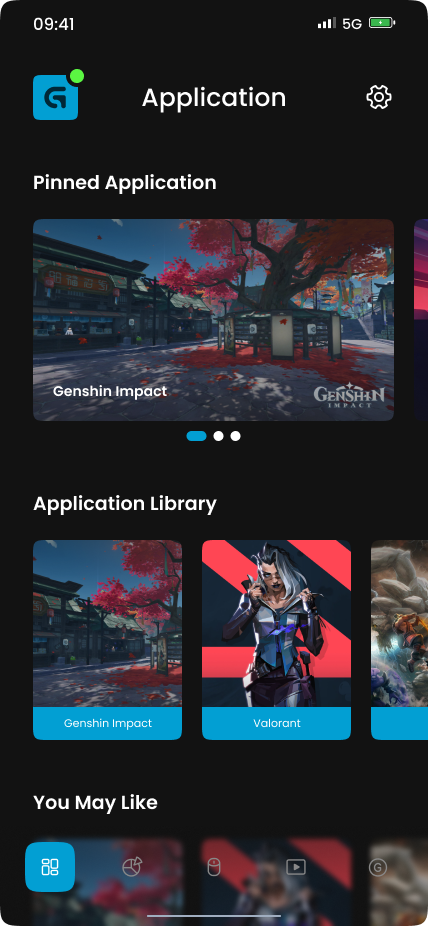
My Application
Show customized application button
Improvements:
Change menu name from “My Games” to “My Application”
Change page layout into sections
Add a thumbnail for each application
Before
After
Before
After
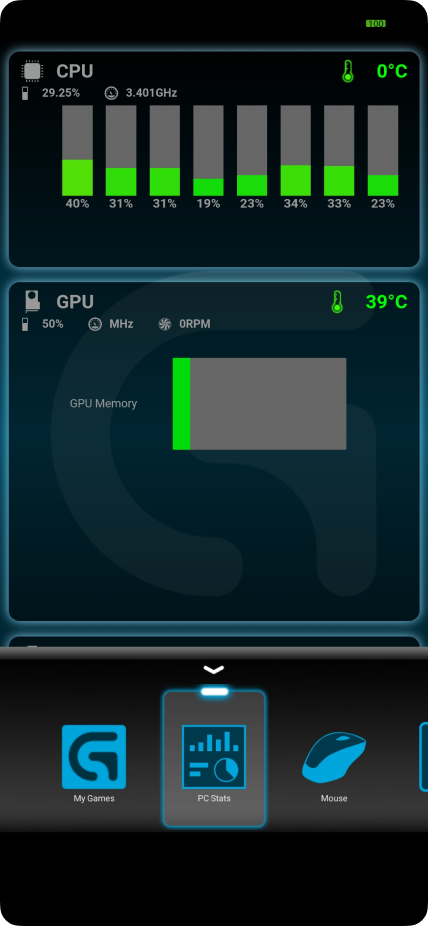
PC Stats
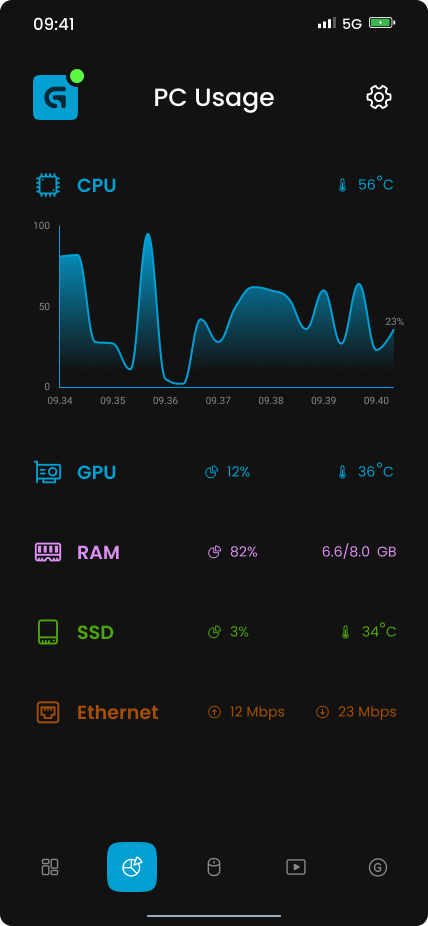
Show PC component usage
Improvements:
Add missing PC component
Change the graph bar into a line graph (Show average usage of all core for CPU)
Devices
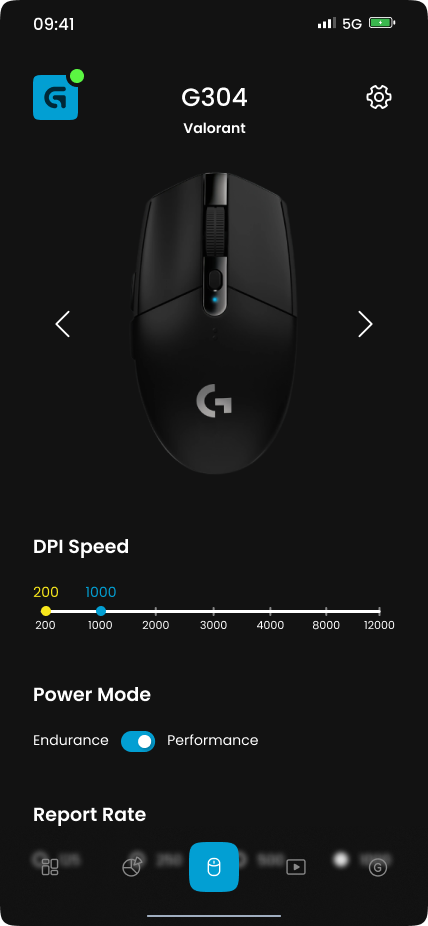
Change device setting
Improvements:
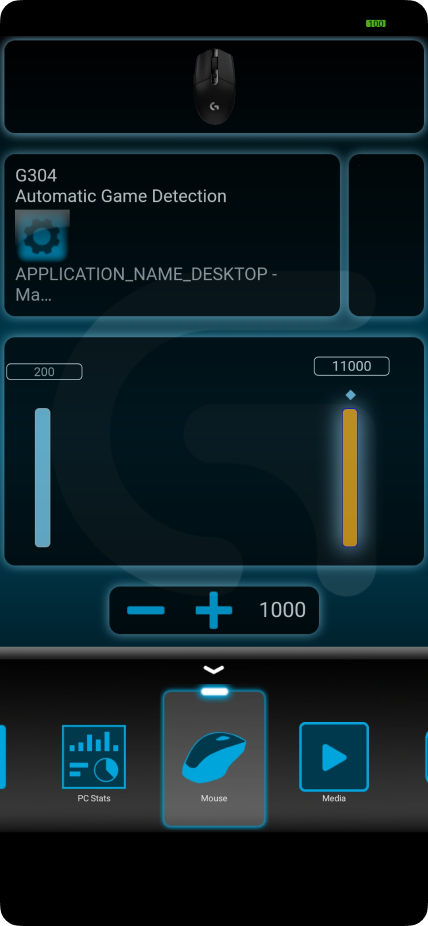
Change menu name from “Mouse” to “Device”
Change page layout to fix user reading hierarchy
Add missing feature
Before
After
Before
After
Media
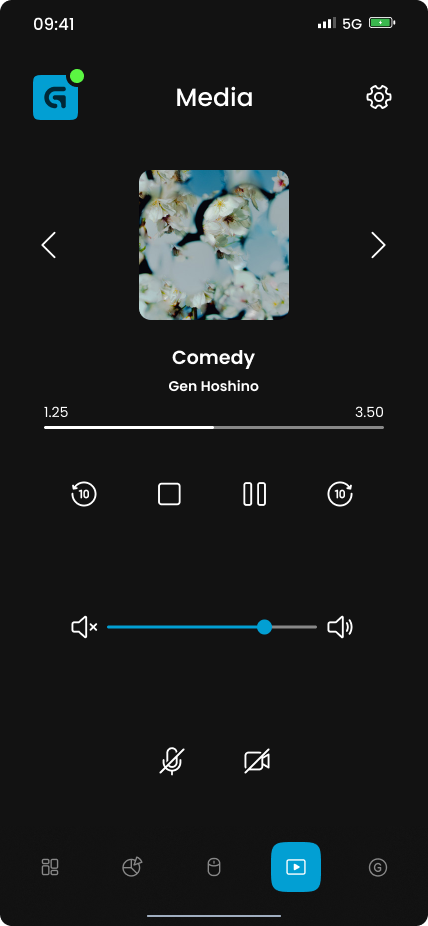
Control media input and output
Improvements:
Change the layout to be clearer and intuitive
Add active played media
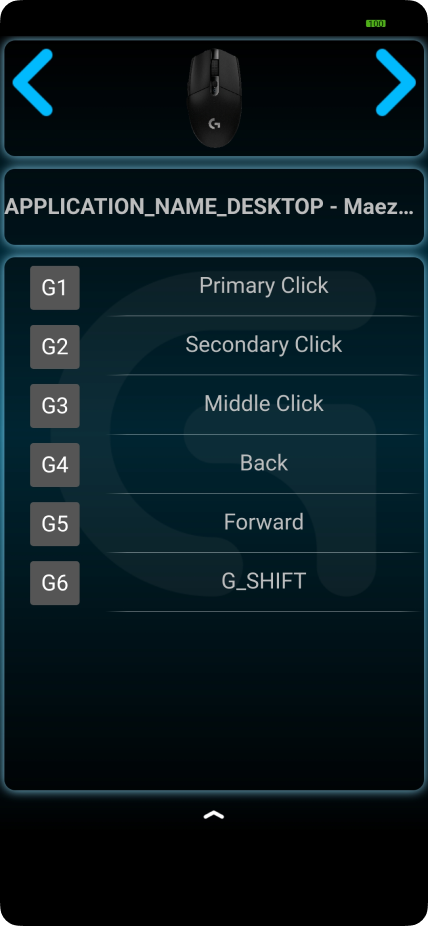
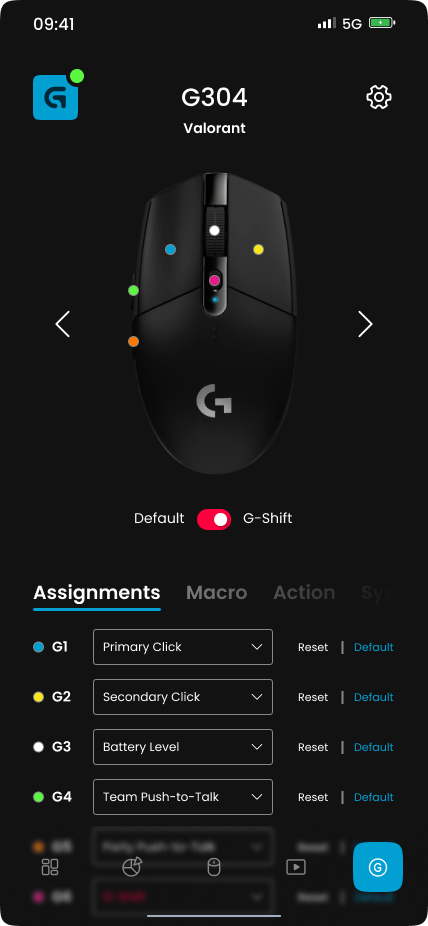
G-Keys
Change device spesific key
Improvements:
Increase devise model size
Add a sign for every key that can be customized
Add advance key setting (Macro, action, etc)
Before
After
Before
After
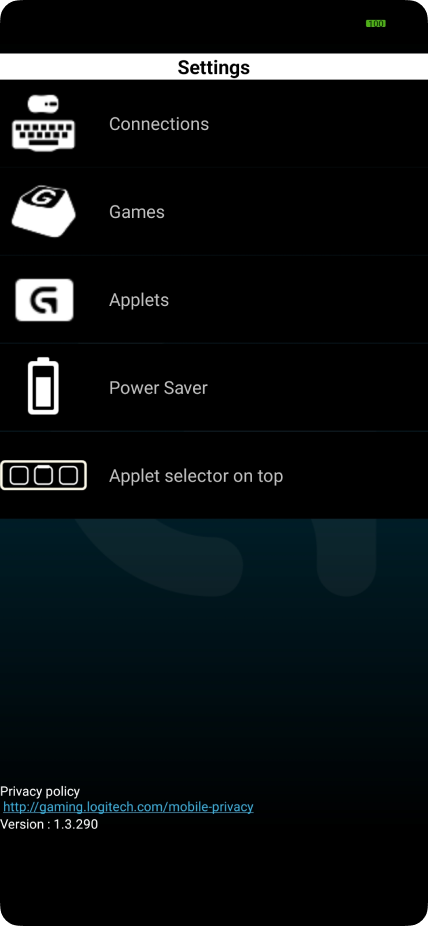
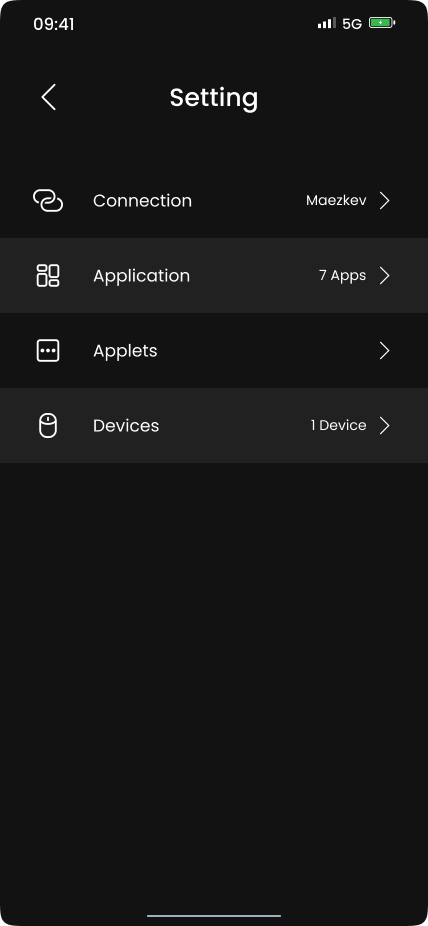
Setting
Setting up Logitech Arx Control
Improvements:
Change the visual to be more minimalist and match the whole redesign.
Prototype
To accommodate the testing phase, I create the application prototype based on the current Hi-Fi design. This way, I can conduct usability testing to understand whether the application is intuitive or not. Also using the prototype, the application will look very real, so the user can easily imagine how the product will become.
Thank you so much for reading through my second case study! Hope you enjoyed can understand my design and design process. ✨