Case Study

Logitech Arx Control

Companion Application for Logitech Users Design Explore UX Research – UI Designer 3 Weeks

Overview

Problem

Logitech Arx Control is a companion application for Logitech Gaming Software or GHUB which has an old-fashioned user interface and terrible information hierarchy. Even though this application has a great potential to be used by Logitech users because there are a lot of users can do in this application for example change device settings and watch device statistics, the latest update of Logitech Arx Control is in March 2016.
Solution

Logitech Arx Control is a companion application for Logitech Gaming Software or GHUB which has an old-fashioned user interface and terrible information hierarchy. Even though this application has a great potential to be used by Logitech users because there are a lot of users can do in this application for example change device settings and watch device statistics, the latest update of Logitech Arx Control is in March 2016.
Duration

3 Weeks

Project Type

Design Explore

Role

UX Research – UI Designer

Timeline

Google Play Review

I pick some reviews on Google Play in range 1 - 3 star to know deeply about what user’s pain.

Analizing

Based on the Google Play reviews, I summarize it to pain points and create room for improvements.

Redesign

Here I make the design based on room for improvements point that I made in previous phase of design thinking.

A/B Testing

Last phase, I test my design using A/B testing method to 7 - 8 people.

Research

User Needs

As a UX designer, I shouldn’t make a design by personal assumptions, that way I find the suitable method to dig deeper into what the user genuinely needs to solve the problem. So I decided to watch some reviews on Google Play Store to find out what pain users feel when using Logitech Arx Control, and what they want about it.

Google Play Store Reviews

From other methods for digging information about user needs, I choose the simplified diary study instead of using the daily experiences, I took their review based on their own experience. This way, I still can get what users need from reviews.

Pain Points

After looking at a bunch of reviews about Logitech Arx Control, I conclude some points that reflect their pain when using Logitech Arx Control.

Design

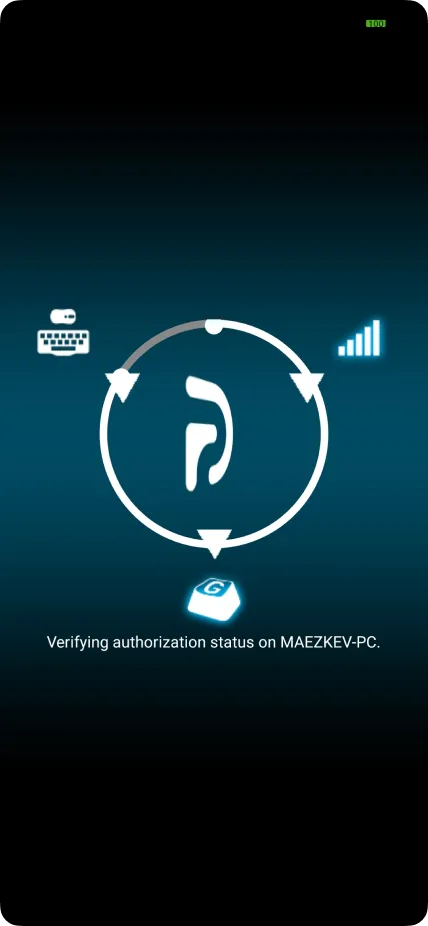
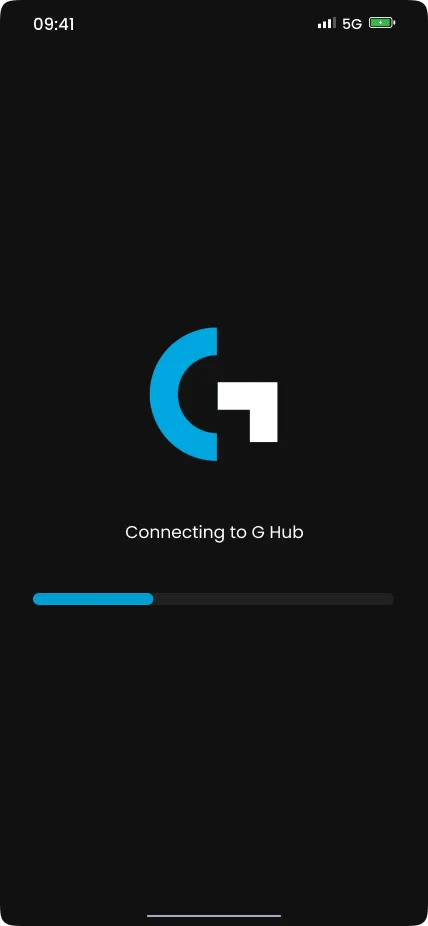
  1. Connect

    Show connection progress at first launch

    Improvements

    • Change process visual to be clearer and progressive
    • Show status on every ongoing process
    Connect before the redesign
    Before
    Connect after the redesign
    After
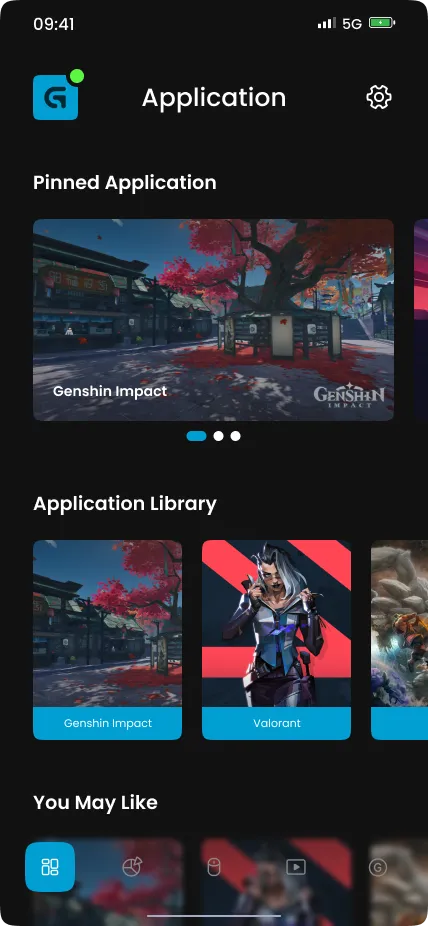
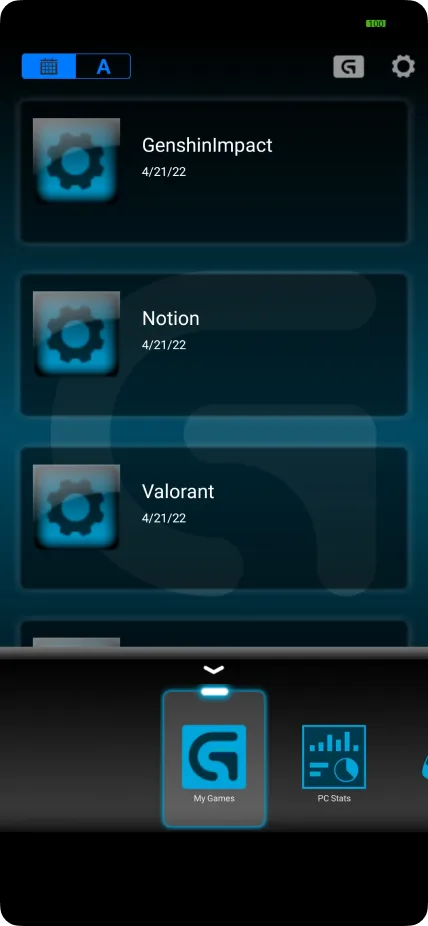
  2. My Application

    Show customized application button

    Improvements

    • Change menu name from “My Games” to “My Application”
    • Change page layout into sections
    • Add a thumbnail for each application
    My Application before the redesign
    Before
    My Application after the redesign
    After
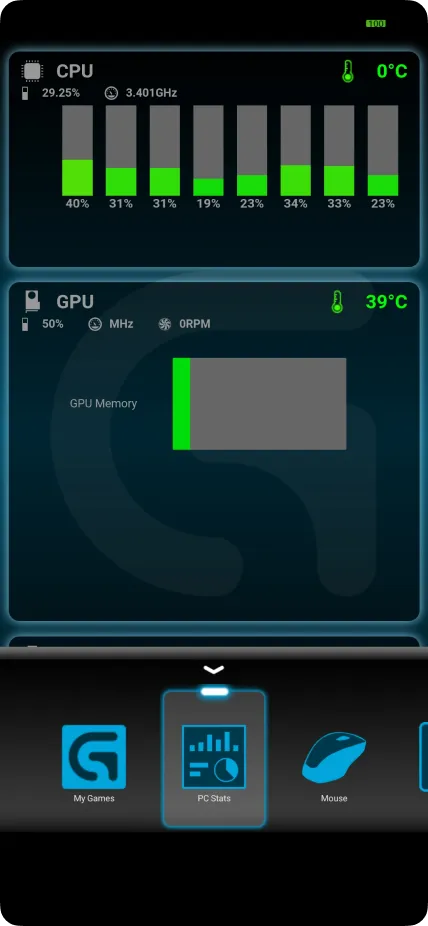
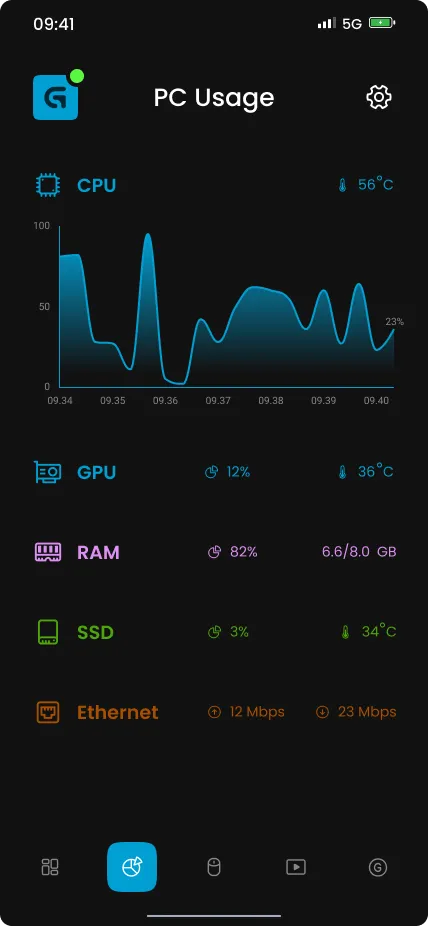
  3. PC Stats

    Show PC component usage

    Improvements

    • Add missing PC component
    • Change the graph bar into a line graph (Show average usage of all core for CPU)
    PC Stats before the redesign
    Before
    PC Stats after the redesign
    After
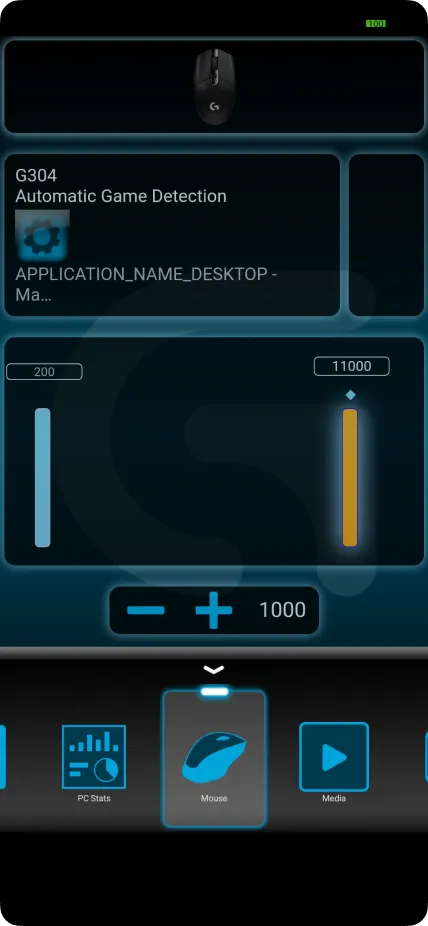
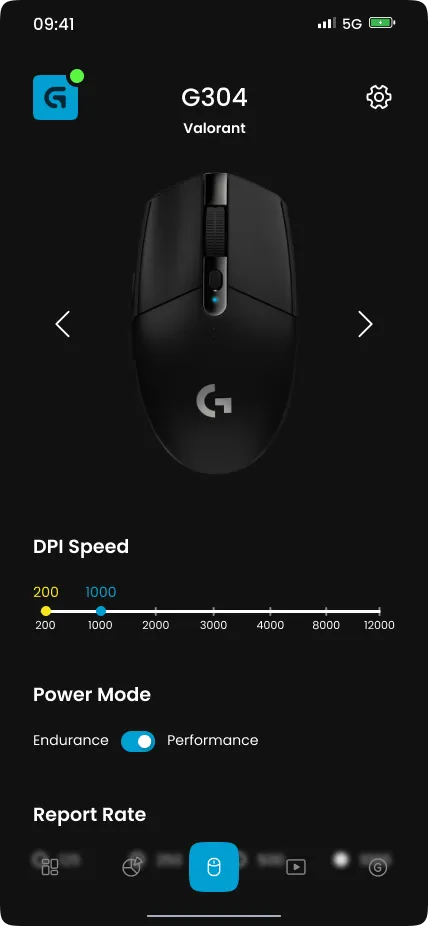
  4. Devices

    Change device setting

    Improvements

    • Change menu name from “Mouse” to “Device”
    • Change page layout to fix user reading hierarchy
    • Add missing feature
    Devices before the redesign
    Before
    Devices after the redesign
    After
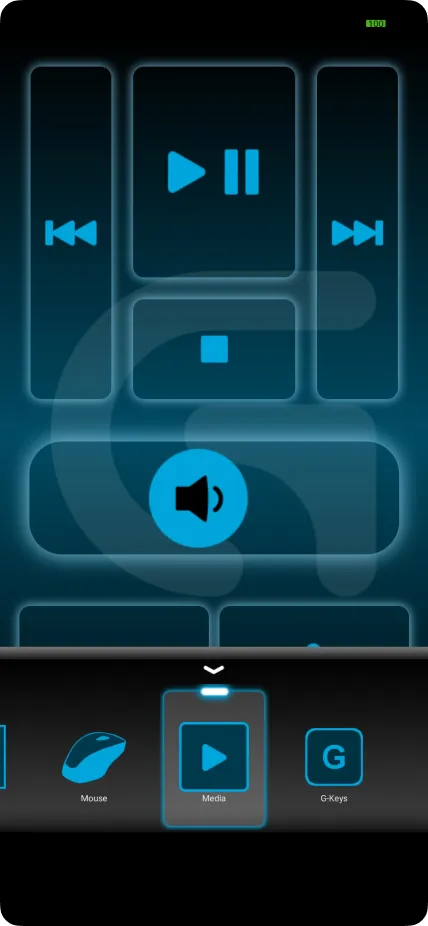
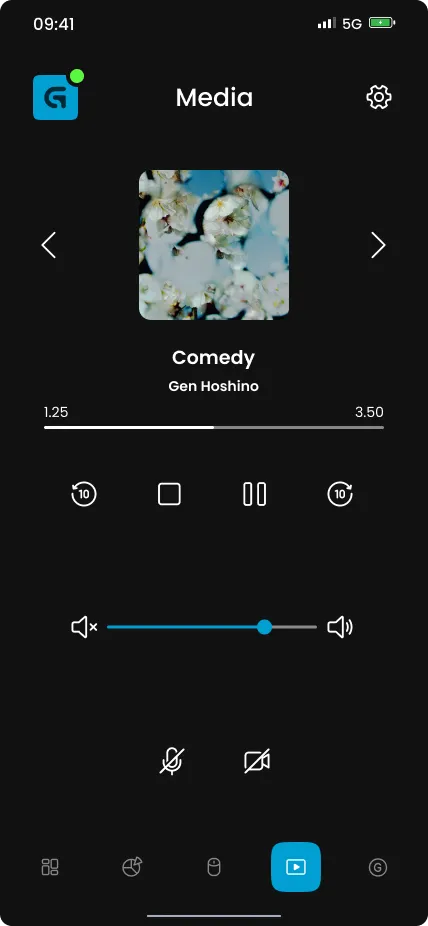
  5. Media

    Control media input and output

    Improvements

    • Change the layout to be clearer and intuitive
    • Add active played media
    Media before the redesign
    Before
    Media after the redesign
    After
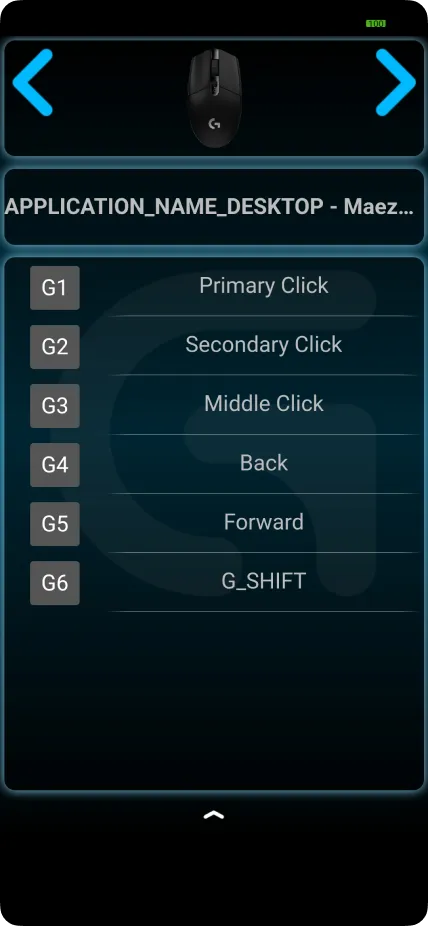
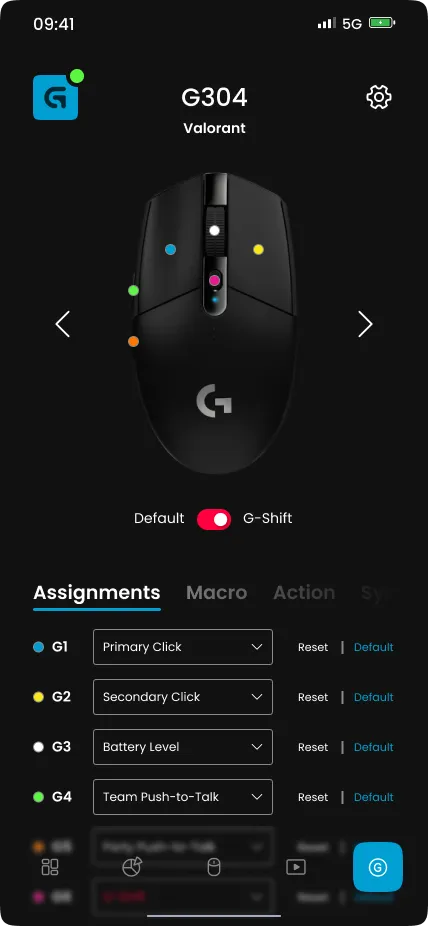
  6. G-Keys

    Change device spesific key

    Improvements

    • Increase devise model size
    • Add a sign for every key that can be customized
    • Add advance key setting (Macro, action, etc)
    G-Keys before the redesign
    Before
    G-Keys after the redesign
    After
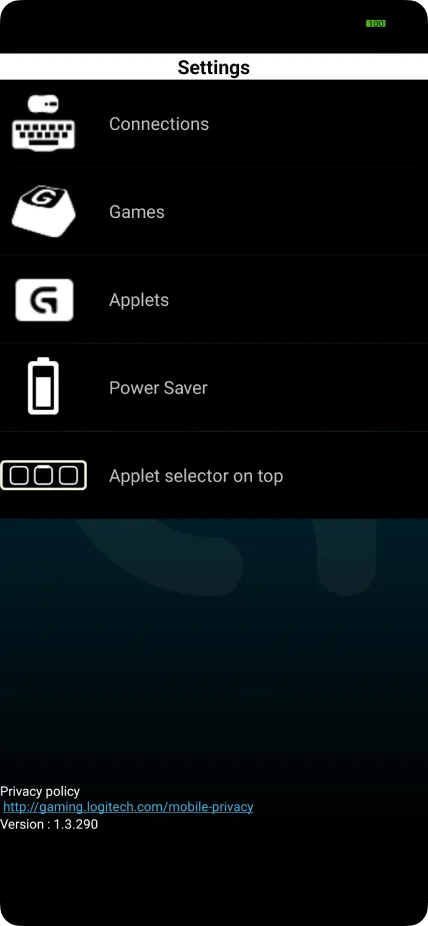
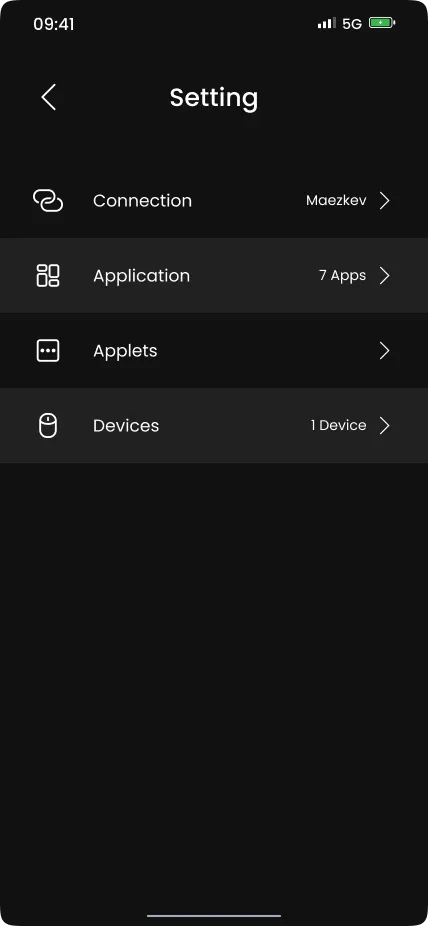
  7. Setting

    Setting up Logitech Arx Control

    Improvements

    • Change the visual to be more minimalist and match the whole redesign.
    Setting before the redesign
    Before
    Setting after the redesign
    After

Prototype

To accommodate the testing phase, I create the application prototype based on the current Hi-Fi design. This way, I can conduct usability testing to understand whether the application is intuitive or not. Also using the prototype, the application will look very real, so the user can easily imagine how the product will become.

Thank you so much for reading through my case study! Hope you enjoyed and can understand my design and design process. ✨

Other Works

← Back to all work